BISSELL Filter Pack ICONpet Cordless Vacuum 2792
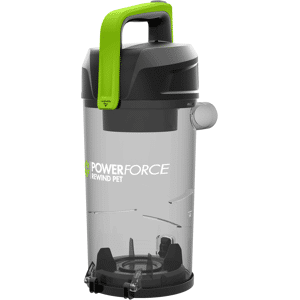
Pre and Post Motor Filters for the BISSELL ICONpet Cordless Vacuum, series 2288, 2746. To clean the filters follow these instructions: To clean the Pre-Motor Filter, turn OFF the machine and remove the dirt tank from the hand vacuum Pull filter from the top of the tank. Remove the filter from the filter housing Tap filter against the side of a trash bin to remove dust and debris To clean, rinse under warm water and squeeze to remove dirt Lay out for 24 hours, until completely dry. Make sure to replace your filter into the frame with the tag side down (touching the frame) before using your machine. To clean your post-motor filter, turn OFF the machine and press the latch on the back of the hand vacuum. Remove the post-motor filter from the vacuum. The pleated filter may be washed with warm water. When COMPLETELY dry, place the filter back into the vacuum and replace the filter cover. Filter Pack ICONpet Cordless Vacuum 2792